Z
QSD
ZQSD movement
Move Malo through Tokyo’s streets, buildings and districts.
Starting guide
The controls are simple: move Malo, talk to characters, listen to Japanese sentences and use your phone to follow objectives.
Keyboard controls
On PC, NIHONGO DX7 is played with a keyboard. The controls follow classic RPG habits: movement, interaction, back, phone and objectives.
Move Malo through Tokyo’s streets, buildings and districts.
Alternative movement controls.
Talk to characters, advance dialogues and confirm choices.
Go back in menus or cancel certain actions.
T opens the phone. P shows objectives/quests.
Listen to Japanese sentences when available, replay them, then repeat out loud. In some cinematics, Space can hide the text.
Phone
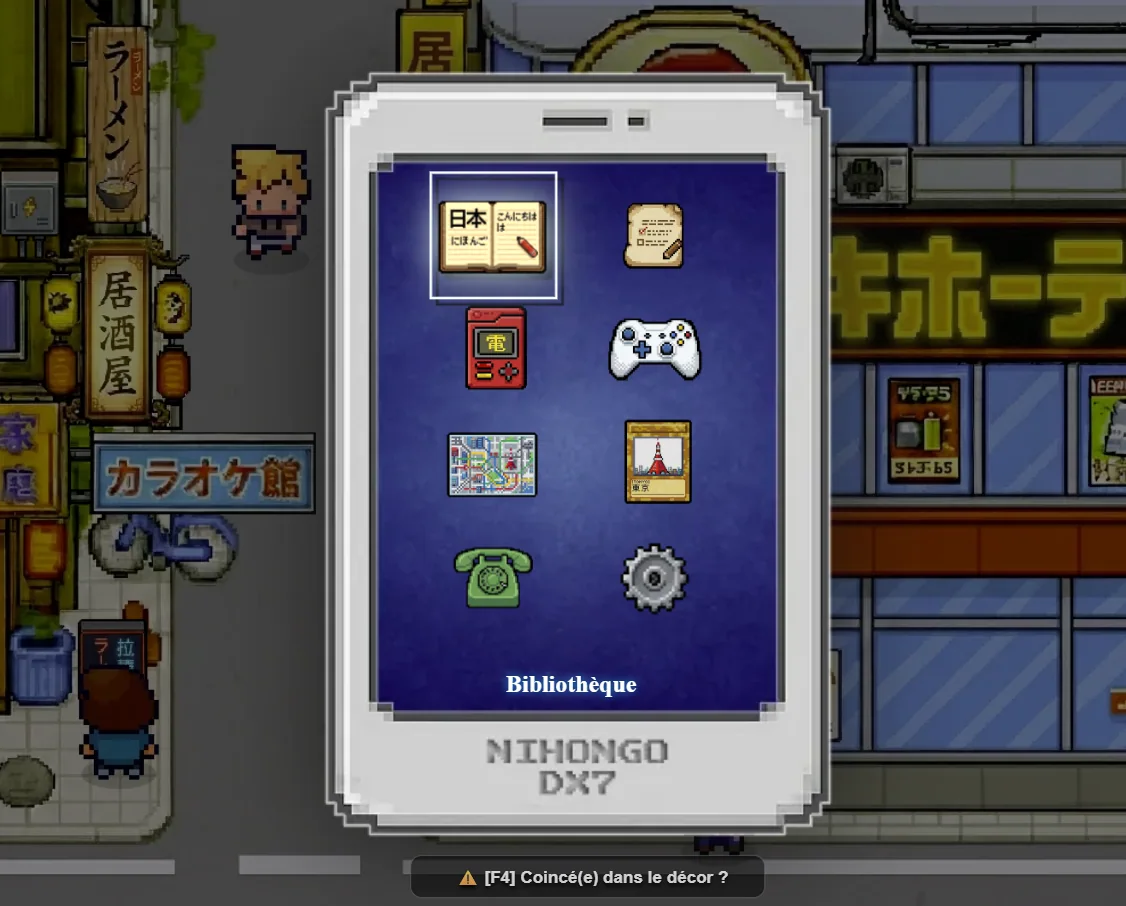
The phone gathers important tools: saves, library, progression, options and learning support.
Dialogues and exercises
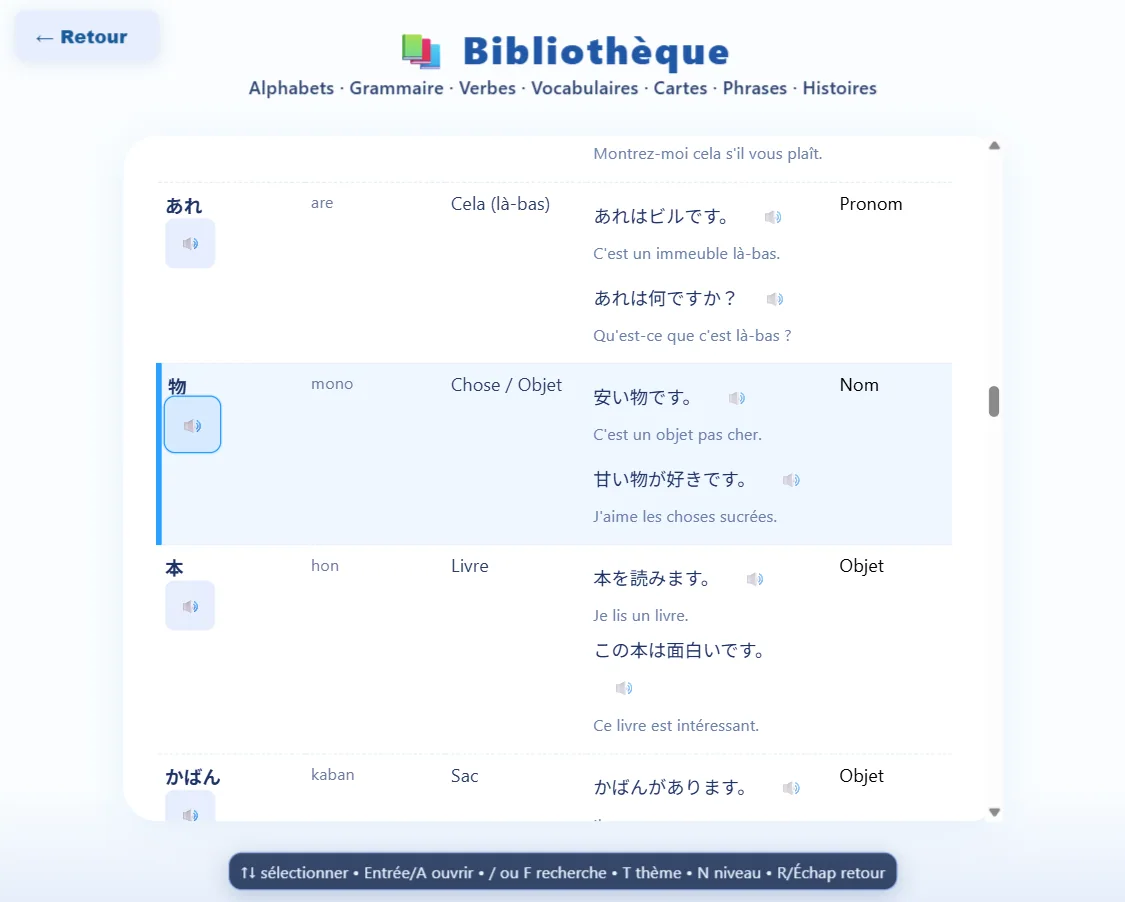
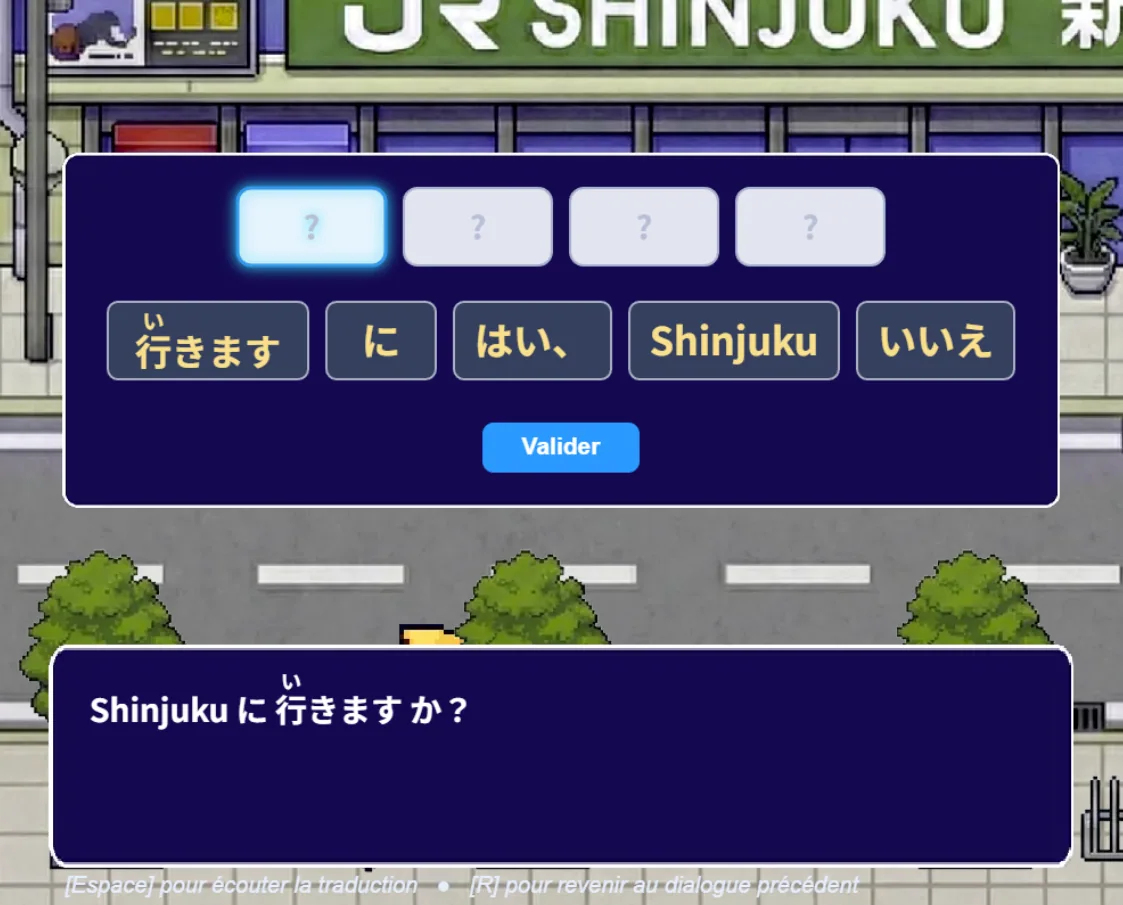
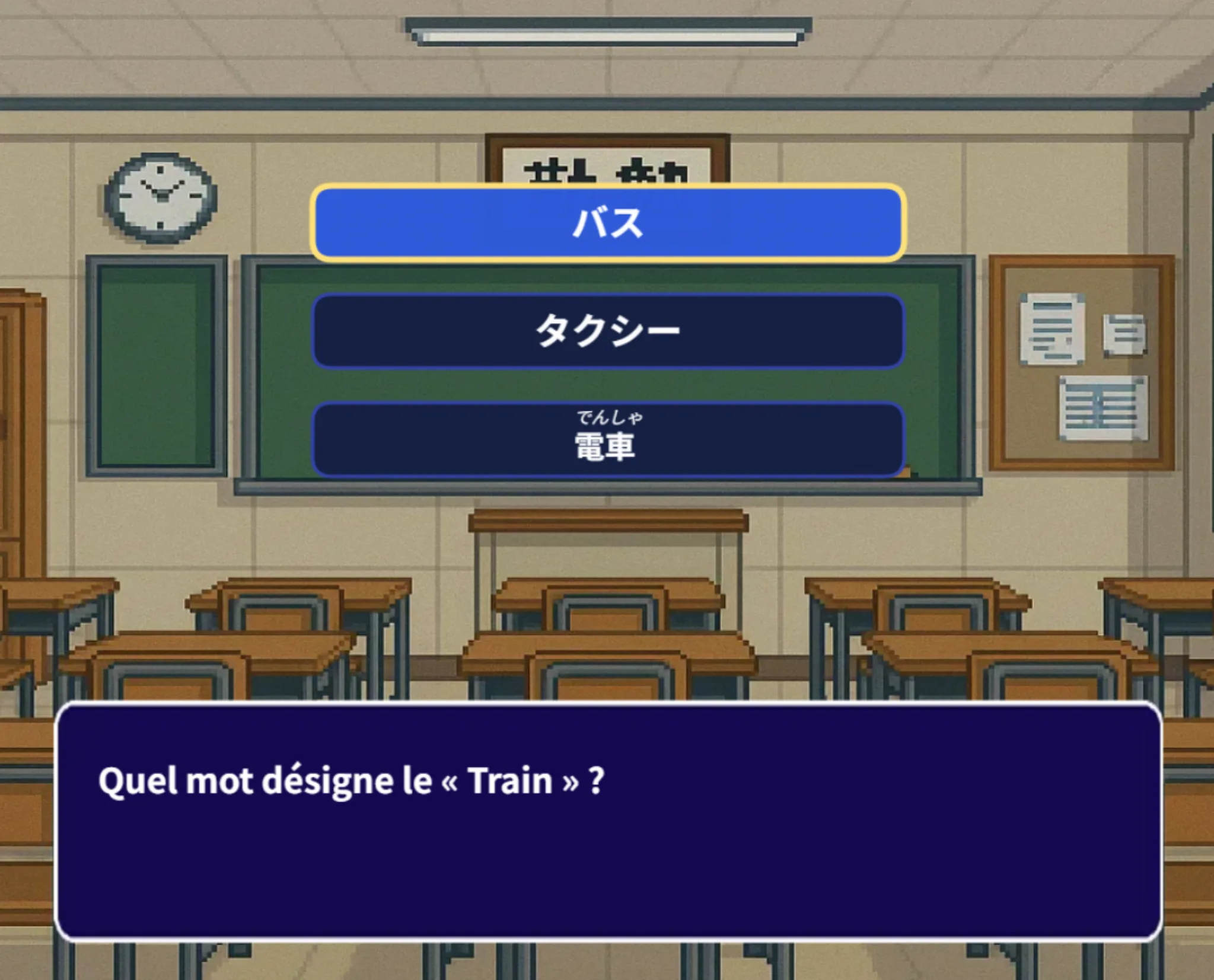
Dialogues, lessons and exercises are integrated into the adventure. You learn because the scene gives you a real reason to understand.
Play on smartphone
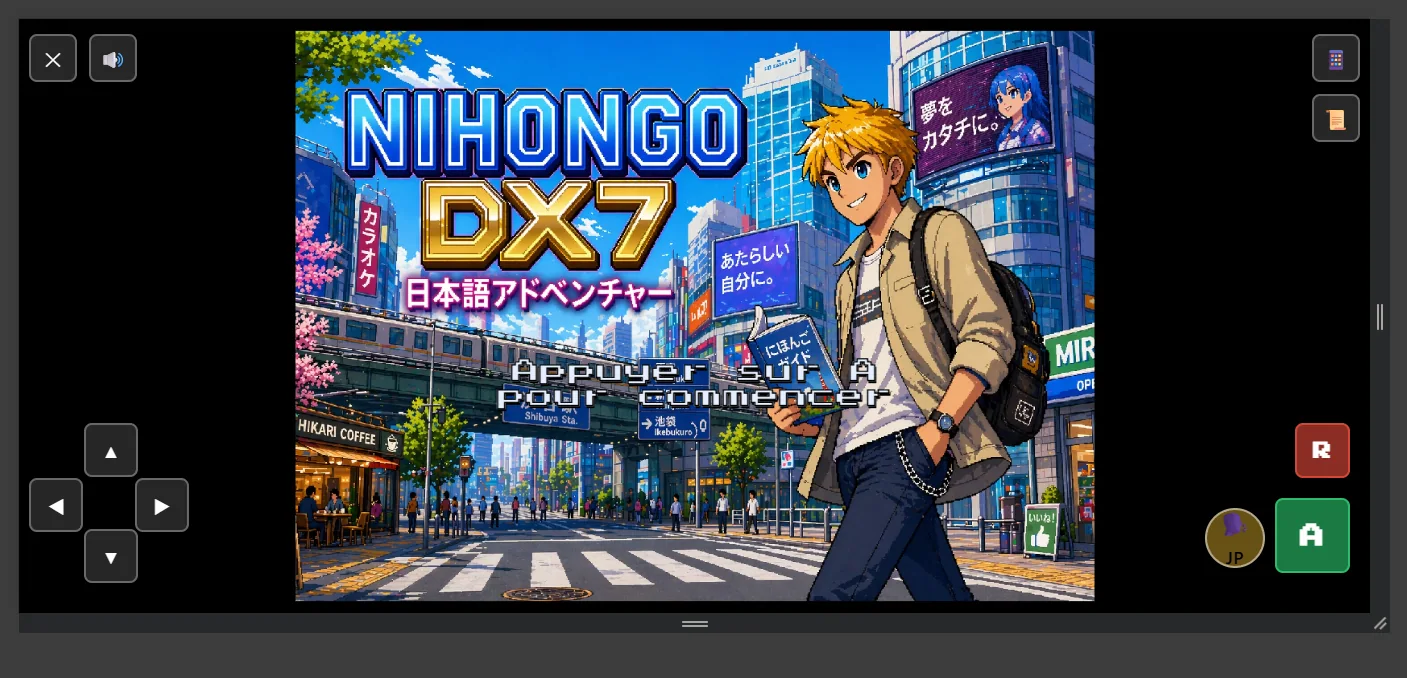
On phones, switch to landscape mode. Movement is on the left, action buttons are on the right, and useful shortcuts appear depending on the scene.
Train your ear
When a sentence or lesson offers audio, take the time to listen. Replay it several times, repeat out loud, then compare it with what you read on screen.
Learn better
Start the free demo and discover your first Japanese words in context.
Play the free demoCONTINUE THE ADVENTURE
Available now on the App Store, Google Play and in your browser. Join the community for future updates.